
Rental Fleet Reports
Good rental decisions come from data. Reports show which cars work hardest, which sit idle, how many miles each car runs and where wear is highest, so you can set rates and plan service.

- ReportsUse, idle days, miles, trips
- PeriodDay, week or month
- ExportSpreadsheet-ready
- UsePricing, service and planning
What is included
- 1See which cars earnCompare use across the fleet.
- 2Plan serviceService by real miles.
- 3Better pricingUse data to set rates.
- 4Clean exportsShare with your accountant.
From the first call to the finished install
We come to your lot or home in Nashville and across Middle Tennessee, by appointment.
- 1ChooseYou pick the reports.
- 2CollectData arrives from each tracker.
- 3ReviewRead the reports.
- 4ActAdjust rates and service.
Is this the right service for you?
- A rental agency with many cars
- A host with a growing fleet
- An owner planning service
- A manager reviewing profits
Use a tracker only on vehicles you own or have the legal right to monitor, and tell drivers, family members and renters. A tracker should never be used to follow someone who has not agreed. We cannot give legal advice, so ask an attorney if you are unsure.
Common questions
Can I export reports?
Yes, in a spreadsheet-ready format.
Can I see one car?
Yes, filter by car or by time.
Does it work for a few cars?
Yes, from one car to a large fleet.
Services that pair with this one
 Rental Car Fleet GPS TrackingLive locations, mileage and alerts for every car you rent out.See the service
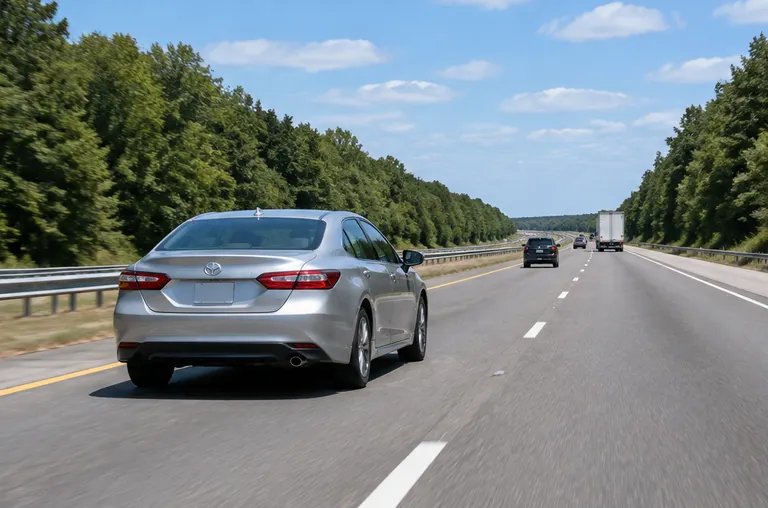 Rental Mileage and Geofence LimitsCheck miles against your rental agreement and get alerts if a car leaves your allowed area.See the service
 Fuel, Idle and Mileage ReportsReports that show idle time, stops and miles, so you can find waste and bill accurately.See the service
Find your town
Type your town or neighborhood to open the page for help near you.
Start typing, for example a city name or a neighborhood.
Know where it is. Keep it safe.
Call or text, or send the form. Tell us the vehicles and what you want to track or protect, and we will give you a clear quote and a time that suits you.